
Identical machines
Order one model and configuration for every seat so a single master image deploys everywhere and spares fit any desk.
Desktops · monitors · components · UPS
Price Beat Promise: show us a lower written quote
Part numbers matched before you pay
For schools, colleges and training centres
A computer lab needs identical machines that are easy to image, hard to break and protected from power problems. We source desktops, all-in-ones, mini PCs and thin clients with matching monitors, wired keyboards, mice and headsets, plus the UPS that keeps the room running, for schools, colleges, ministries and training programmes.
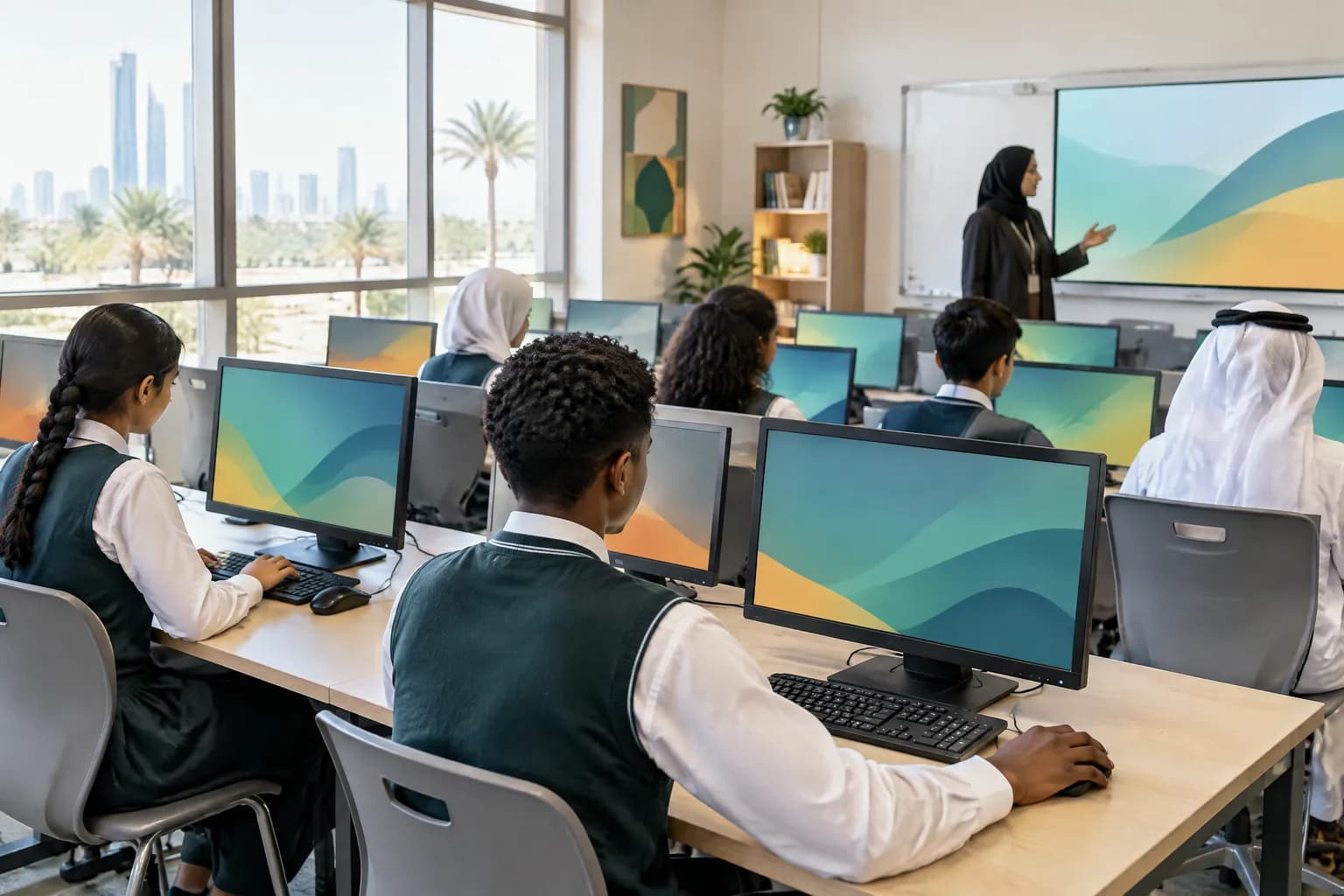
A lab is a small fleet that is used harder than an office. Dozens of students share each machine over a week, power cuts interrupt classes, and the IT teacher usually manages everything alone. The hardware choices that help most are simple: identical machines that can be reimaged from one master, wired keyboards and mice that cannot lose receivers or batteries, and power protection that keeps a brownout from ending a lesson or damaging equipment.
Desktops, all-in-ones and mini PCs all work in labs. Small form factor desktops are cheap to repair and easy to secure. All-in-ones reduce cabling and look tidy. Mini PCs mounted behind monitors free desk space and draw little power, which helps when a lab runs on a UPS or solar system. Refurbished Grade A or B units can stretch a budget a long way if the generation supports the operating system you plan to run.
Language labs add headsets; design and coding courses may need larger monitors or graphics cards. Where a school runs a terminal server or a cloud desktop, thin clients at each seat cut power draw and leave only the central image to maintain. The lab server or storage for teaching content comes from Servers Dubai, and laptops and Chromebooks for one-to-one programmes from Wholesale Laptops Dubai.
These four decisions shape cost, reliability and how much work the lab creates for the teacher who runs it.
Order one model and configuration for every seat so a single master image deploys everywhere and spares fit any desk.
Windows 11 needs TPM 2.0 and a supported processor; Linux and thin-client setups run on older hardware. Decide before choosing condition and generation.
Size a UPS for the lab load and changeover time, add surge protection, and consider low-power mini PCs where runtime is precious.
Wired peripherals, lockable chassis, cable-lock slots and spill-tolerant keyboards cut losses and repairs over the life of the lab.
Every lab differs, but most requests include these lines. We quote them together so the lab arrives complete.
The same four checkpoints keep the sample, contract and commercial lot aligned.
We confirm seat count, operating system plan, power situation and any tender specification with the school or ministry.
Suppliers quote one model per line for the full quantity, with spec sheets and compliance markings for tender files.
Units are checked against the order, serials listed and cartons labelled so each lab or school can be identified on arrival.
Computers, monitors, peripherals and power gear ship together, with documents prepared for the destination's requirements.
Yes, when the generation suits the operating system and the units are graded and tested. Refurbished Grade A or B desktops are a common way to equip more seats from the same budget.
Yes. Tell us how the equipment is split, and we ask suppliers to pack and label by school or lab, with a packing list for each.
Operating system licence status is confirmed per unit in the quote. Education licensing programmes are arranged with the software vendor or its local partner, not by us.
Send the models or specifications, quantities, condition, destination and timeline. Our sourcing desk checks availability with suppliers and replies with written options.