
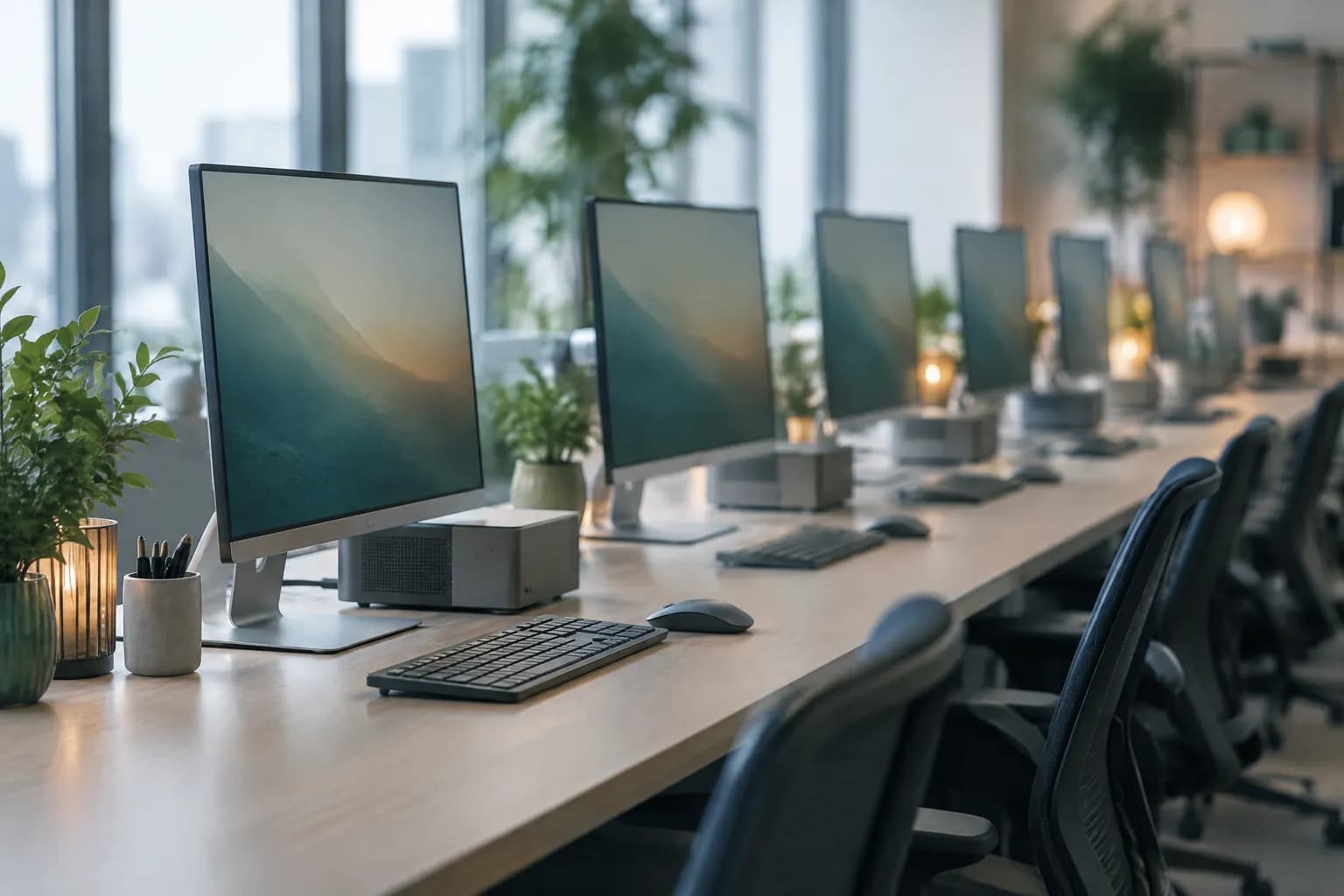
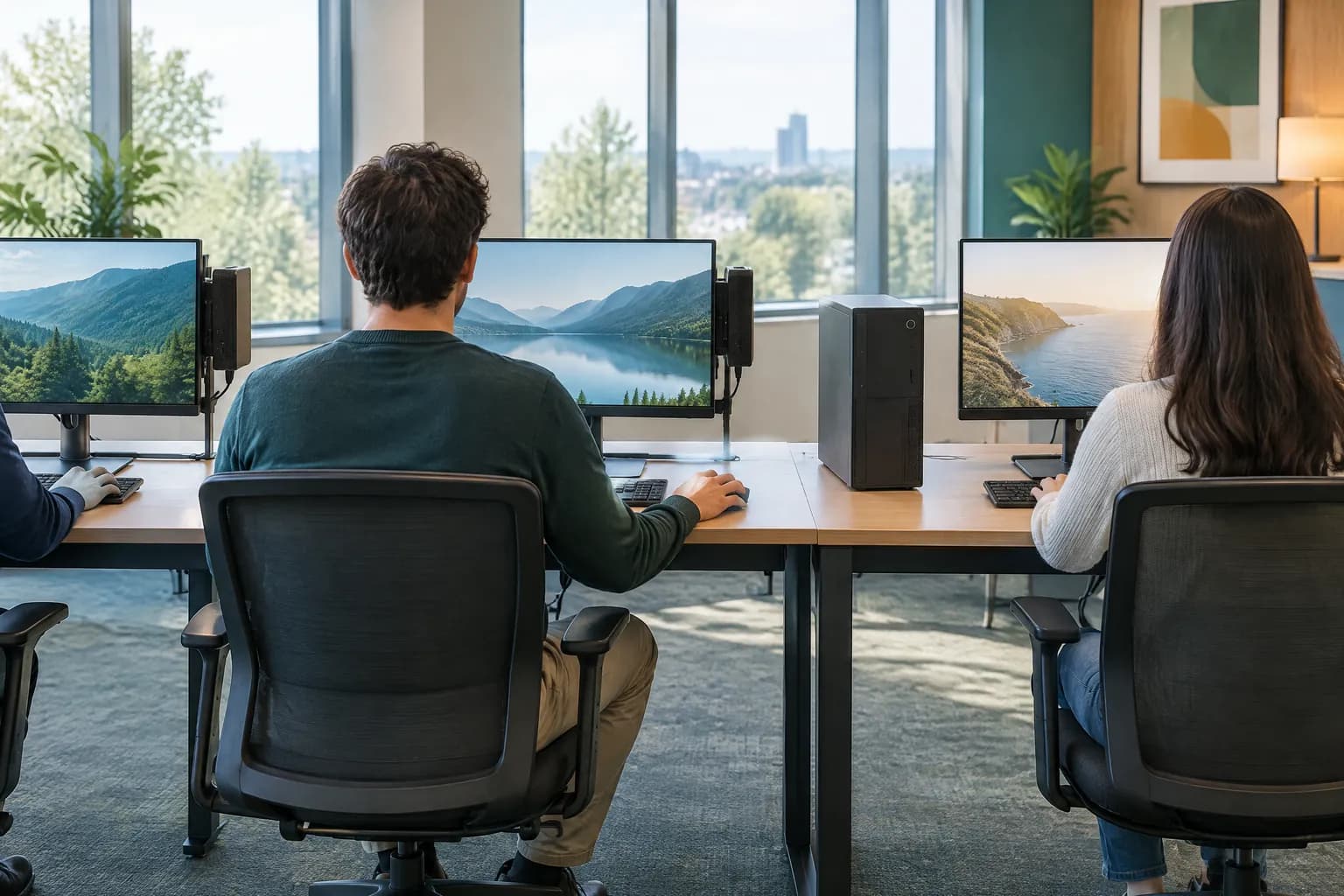
Choose thin clients when many people do similar work in hosted applications, the link to the data centre or cloud is reliable, and central control matters more than local power; choose desktop PCs when users need to work offline, run heavy software locally or use peripherals and applications that behave badly in a virtual session.
The question comes up most in contact centres, bank and insurance branches, school labs, libraries and hospitals, where dozens or hundreds of seats do much the same job. Both answers are sensible in the right setting, and many organisations end up running a mix of the two.
How do thin clients and desktop PCs differ?
A desktop PC runs its operating system and applications itself, and keeps data on its own drive unless policy prevents it. A thin client runs a small, locked-down operating system whose only task is to connect to a desktop or application session hosted elsewhere, for example in a Citrix, Microsoft Remote Desktop, Azure Virtual Desktop or Omnissa Horizon environment. The keyboard, mouse, screen and headset are on the desk; the work happens in the data centre or the cloud.
| Factor | Thin client | Desktop PC |
|---|---|---|
| Where the work runs | Hosted session on servers or in the cloud | On the device |
| Data on the desk | None or very little | Local drive unless restricted |
| Device life | Often longer, with few moving parts | Shorter, tied to OS support |
| Power draw | Low, often fanless | Higher, especially towers |
| Network dependence | Total: no network, no session | Can keep working offline |
| Back-end cost | Session hosts or cloud plus platform licences | Little or none |
| Heavy local work | Limited | Strong |
| Swapping a failed seat | Minutes, because settings are central | Longer: reimage and restore |
Where do thin clients make most sense?
- Contact centres and BPO floors where every agent uses the same CRM and telephony software
- Branches and counters handling customer records that should never sit on a local drive
- Training rooms, libraries and labs where seats are reset between users
- Hot, dusty or cramped spaces where fanless, low-power devices last longer
- Sites with few IT staff, where a non-specialist must be able to swap a seat quickly
When is a desktop PC the better choice?
- Users who must keep working through network outages, which remain common on some regional links
- CAD, GIS, video editing and other work that needs local graphics or processing power
- Specialist peripherals or software that do not redirect cleanly into a virtual session
- Small offices with no virtual desktop platform and no plan to build one
What does the back end mean for the decision?
A thin-client rollout is really a virtual desktop or terminal server project. Someone must provide and run the session hosts, storage, licensing and network capacity, either in your own server room or with a cloud provider, and that cost belongs in the comparison next to the devices. Where a platform already exists, adding thin-client seats is simple. Where it does not, the back end is usually the larger share of the budget and the longer part of the timeline. Servers for an on-premises platform are sourced by Servers Dubai; this site supplies the seats.
Which network and power checks come first?
A thin client is only as good as its link to the session host. Measure latency and bandwidth from each site to the data centre or cloud region at the busiest hour, and allow for video calls, which need far more bandwidth than office applications. Where links drop often, a desktop at that seat or a local session host may serve users better. Power is the other half: thin clients draw little, so one modest UPS can keep a row of them and their switch running through a short outage, while a row of tower PCs needs considerably more battery capacity.
What should a thin-client specification include?
- The virtual desktop platform and protocol version in use
- Monitors per seat and their resolution
- Peripherals that must work inside the session: USB headsets, webcams, card readers, signature pads
- Wired or wireless network, and whether Wi-Fi is needed at all
- Mounting: desk stand, or VESA bracket behind the monitor
- The operating system on the device and the tool that will manage it
Is a mixed estate normal?
Very few organisations use only one approach. A common pattern gives thin clients to agents and counter staff, desktops to supervisors, finance and IT, and a handful of workstations to design or analysis teams. Quoting all of them in one order keeps keyboards, monitors and headsets consistent across every seat.
Send us the seat count by role, the platform you run and the peripherals each seat needs. We quote thin clients, desktops, monitors and headsets line by line, with availability and lead time confirmed in writing.
Related reading
Leave a Comment
Your email address will not be published.