

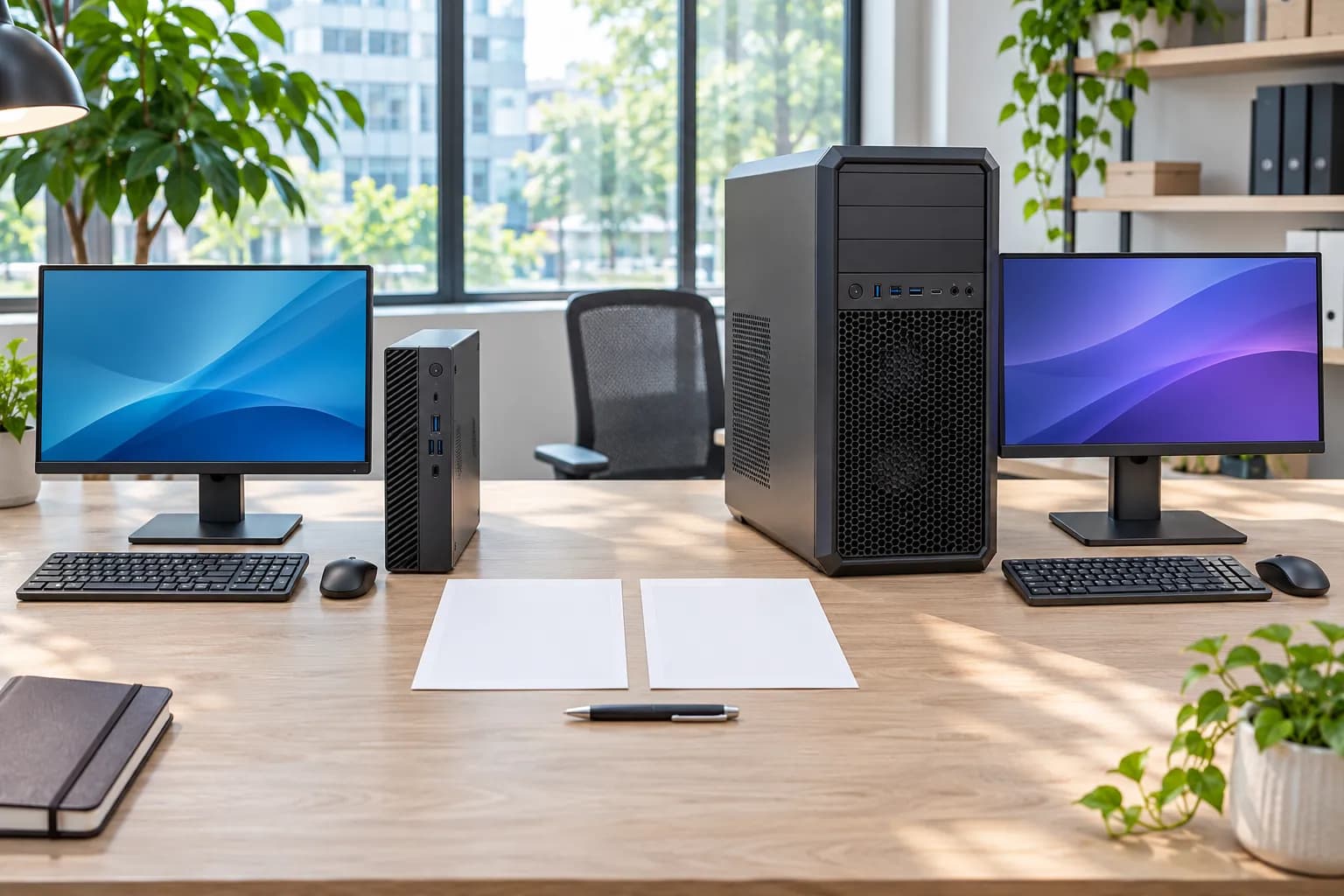
Choose a business desktop or workstation by the applications and tasks each group must run. Start with the software publisher's requirements, check the exact proposed configuration and driver where certification matters, and record separate fleet lines for office users and technical users. A workstation label alone does not establish that a machine suits a particular job.
Sort the fleet by work, not job title
List the applications, versions, typical files and simultaneous tasks for each group. Office productivity, design, modelling and analysis can each have different requirements; users with the same title may also work on different projects. Use the table to decide what to check, then validate a proposed configuration against the actual software and project.
| Workload | First specification to check | Decision before quoting |
|---|---|---|
| Office applications and browser work | Operating system, application requirements, memory and display connections | Define a desktop baseline and any user exceptions |
| CAD or 3D design | Application version, project demands, graphics hardware and driver requirements | Check the publisher's requirements and certification results for the proposed combination |
| Analysis or rendering | Application requirements, processor, memory, graphics and storage needs | Identify the limiting task and verify the configuration against that workload |
| Mixed or uncertain use | Actual software, file sizes, peripherals and expected deployment | Ask the user or IT owner to resolve the missing requirements before selecting a line |
Check the software and exact hardware combination
Record the application name and version, operating system, processor, memory, graphics card and driver. Compare these with the publisher's current system requirements. For example, Autodesk provides an AutoCAD certified graphics hardware search where buyers can check published test results for a graphics card or workstation. Certification for one combination is not proof that a different driver, software version or configuration is certified. Check the relevant publisher's information again before ordering.
Copy the fleet specification worksheet
Use one column for each user group or order line. Fill in the requirement before requesting offers, enter each proposed specification, and mark unanswered fields for follow-up. Agree substitutions and acceptance criteria in writing before ordering.
| Field | Record in the request | Check in the quote |
|---|---|---|
| User group and quantity | Workload, number of units and destination | Model, quantity and any variation by line |
| Applications | Names, versions, operating system and project demands | Exact configuration and evidence against publisher requirements |
| Processor and memory | Processor requirement, installed memory and future expansion need | Exact processor, installed memory and available expansion as specified |
| Graphics and displays | Graphics needs, monitor count, resolution, connectors and relevant driver | Exact graphics hardware, outputs, adapters and driver or certification evidence |
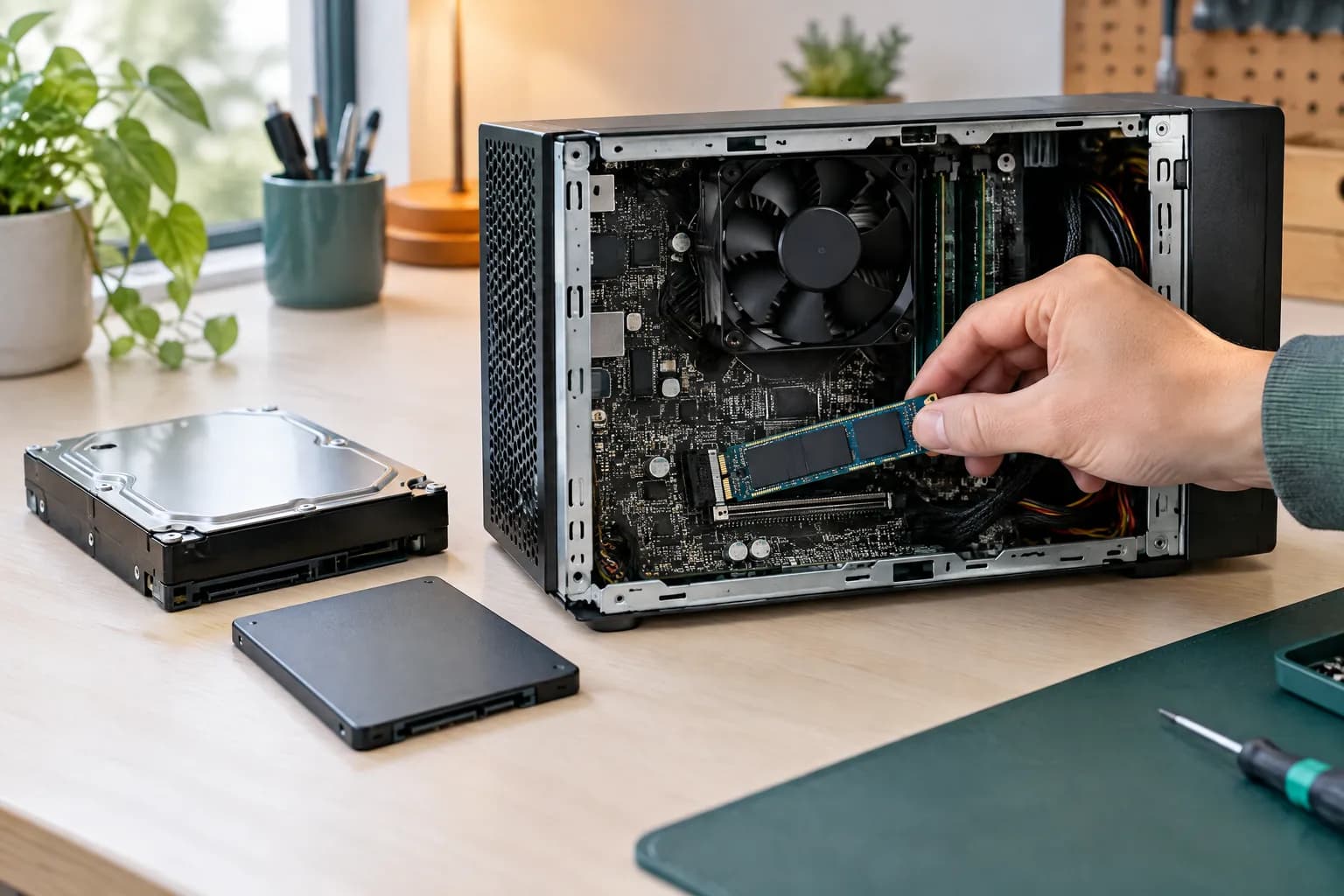
| Storage and expansion | Capacity, drive type, extra drives or expansion cards needed | Installed drives, interfaces, bays and slots supported by the proposed model |
| Ports, accessories and power | Peripherals, network connections, keyboard, mouse, monitor and destination power needs | Included items, connectors, power supply and plug details |
| Condition and software | New or refurbished condition, operating system and licensing needs | Condition definition, test coverage and licence terms per unit |
| Support and delivery | Warranty coverage, documentation, destination and trade terms | Provider, coverage, exclusions, documents and agreed terms |
Record exceptions before approving the order
- Give each configuration a line identifier. Record the users and quantity it covers, then list any permitted model or component alternatives.
- For a technical workload, keep the application and driver evidence with the proposed model. Ask the software publisher or your IT owner to resolve gaps; a product name alone is not a compatibility check.
- For refurbished equipment, request the supplier's condition definition and test coverage. Where storage is included, request a data-sanitization report and identify the units it covers.
- Confirm operating-system and software licences per unit, including transferability. Compare warranty provider, territory and exclusions, and agree how a non-conforming unit or substitution will be handled.
Computer Hardware Wholesale sources business computers to order in partnership with FC Trading LLC. The team brings over 15 years of export experience. Our Price Beat Promise is subject to the conditions in our terms.
Continue planning your fleet
- Business desktops and mini PCs- Explore desktop sourcing scope
- Desktop workstations- Describe a technical workstation requirement
- Plan a desktop fleet refresh- Prepare the audit and rollout
- Choose office monitors in bulk- Specify the display fleet
- Price Beat Promise terms- Review the conditions before ordering
- Send a hardware request- Share the completed worksheet
Related reading

Leave a Comment
Your email address will not be published.