

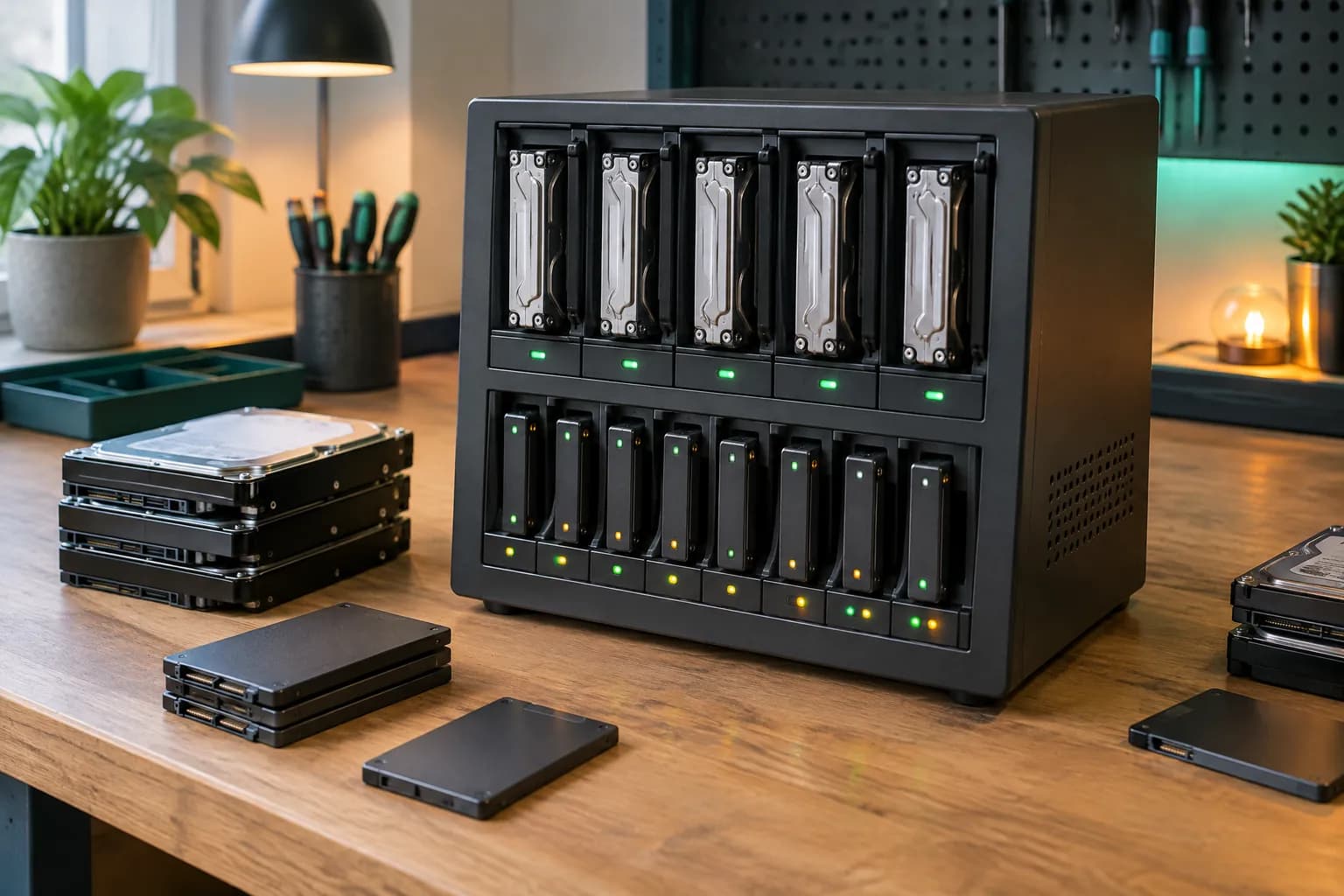
NIST Special Publication 800-88 is the reference most hardware buyers and sellers use for wiping drives: it groups methods into Clear, Purge and Destroy, and a sanitization record worth keeping ties one drive serial to the method, the tool and a verification result.
Refurbished desktops, all-in-ones and pulled SSDs often arrive with drives that last held another organisation's files, and the hard drives you retire from your own fleet carry yours. Data protection laws such as South Africa's POPIA, Nigeria's Data Protection Act and Kenya's Data Protection Act expect anyone handling personal data to protect it until it is destroyed. Knowing the vocabulary helps you ask suppliers for the right evidence and deal properly with your own retired drives.
Clear, Purge and Destroy: what is the difference?
| Level | Protects against | Typical methods | Drive reusable? |
|---|---|---|---|
| Clear | Recovery with ordinary read commands and software tools | Overwriting every user-addressable block; some device resets | Yes |
| Purge | Recovery even with laboratory techniques | ATA or NVMe sanitize, cryptographic erase, degaussing for magnetic disks | Yes, unless degaussed |
| Destroy | All recovery; the media cannot be used again | Shredding, disintegration, pulverising or incineration | No |
The right level depends on how sensitive the data was and where the drive goes next. A drive going back into service needs Clear or Purge. A drive that held highly sensitive records, or that has failed and will not accept a sanitize command, is normally destroyed.
Why can SSDs not simply be overwritten?
A hard drive stores each logical block at a fixed spot on the platter, so writing over every block reaches all the user data. Solid-state drives keep moving data around to spread wear across the flash, and they hold spare blocks the operating system never sees. An overwrite can leave old copies sitting untouched in those areas.
The dependable route for SSDs runs through the drive's own firmware. ATA Sanitize and NVMe Sanitize erase every block, spare areas included. Self-encrypting drives, which include many business desktop and laptop SSDs, can be cryptographically erased: the drive discards its internal key and the stored data becomes unreadable. Many business PCs also offer a secure-erase option in their firmware setup that issues these commands. Whatever the method, a verification step should follow.
Is degaussing an option for desktop drives?
A degausser scrambles magnetic media with a powerful field. That works on hard drives, but it also wipes the servo patterns a drive needs to run, so the drive is finished afterwards. Degaussing does nothing to the flash in an SSD or to the storage soldered onto some laptop and mini PC boards.
What about laptops, all-in-ones and mini PCs?
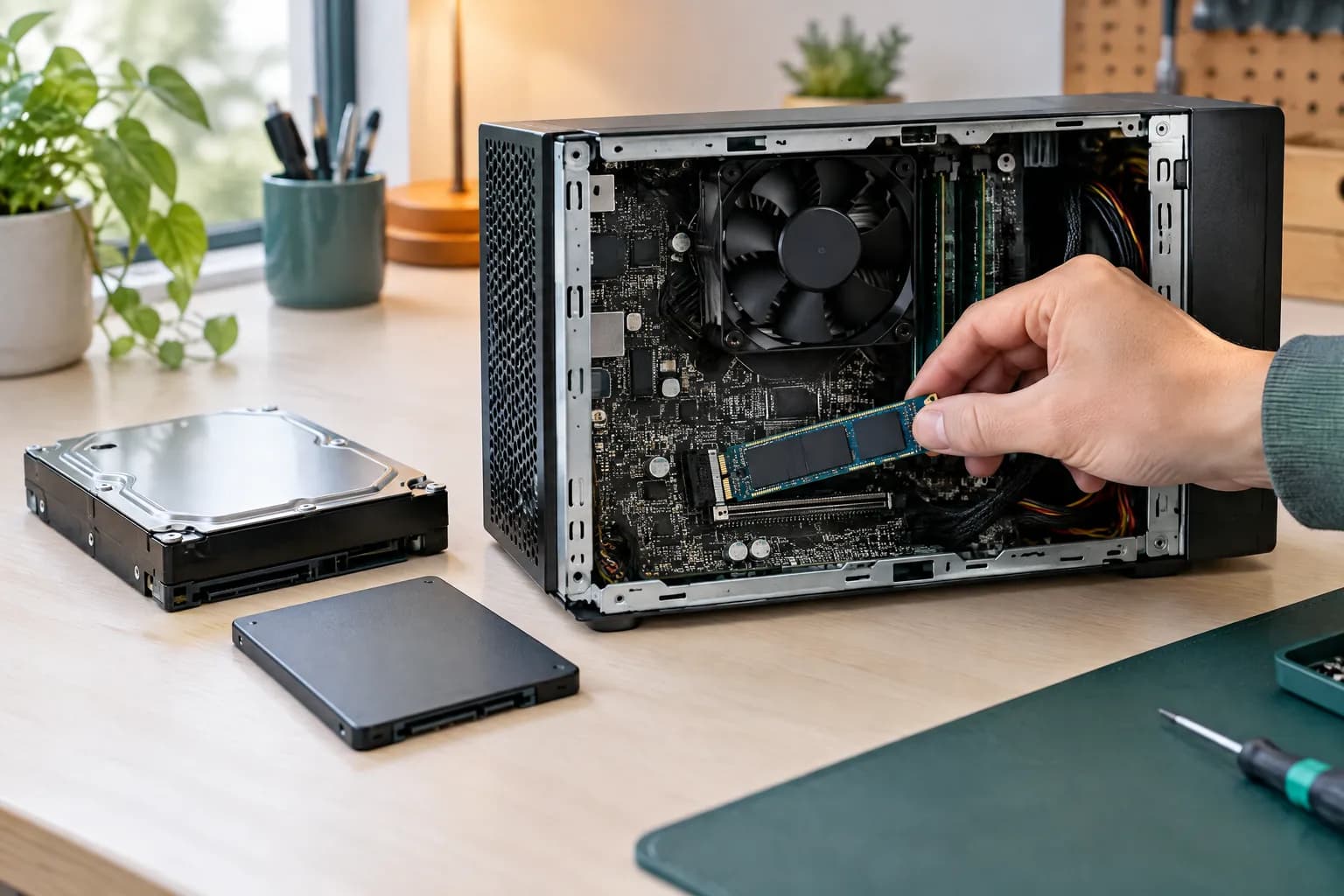
Compact machines raise their own questions. Some slim laptops and mini PCs have storage soldered to the board, so it cannot be removed for a separate wipe; sanitization has to run on the machine itself, with the maker's firmware tool or an approved boot utility. Machines protected by BitLocker or another full-disk encryption can be cryptographically erased quickly, but only if encryption covered the whole drive from the start. Machines with two drives, such as an SSD for the system and a hard drive for data, need both handled and both recorded.
Which revision of SP 800-88 applies?
Most sanitization reports still cite Revision 1 from 2014, and its Clear, Purge and Destroy model is the one buyers recognise. A second revision, published by NIST in 2025, concentrates on how an organisation runs a sanitization programme and refers to the IEEE 2883 standard for the technique suited to each type of media. If your contract or policy names a revision, ask for records that follow it.
Reports sometimes still quote legacy overwrite schemes such as DoD 5220.22-M. Those were written for magnetic disks and prove nothing about an SSD, so read them as a description of an overwrite rather than as evidence of Purge.
What should a sanitization record show?
A record helps only if it points to one specific drive. Look for these fields on every entry:
- Make, model and serial number of the drive, plus the asset tag of the machine it came from where known
- Media type: hard drive, SATA SSD, NVMe SSD, self-encrypting drive or soldered storage
- Level and method, for example Purge by cryptographic erase
- The hardware or software tool used, and its version
- How the result was verified, and the outcome
- The date, and the person or system that did the work
What happens to drives that fail sanitization?
A faulty, locked or worn-out drive may refuse to complete a sanitize command, and it should never be resold. Destroy it and log the destruction against its serial so the paper trail stays whole. If a supplier's report lists fewer drives than the lot contains, ask where the missing ones went before you accept delivery.
How should you retire drives from your own fleet?
During a refresh or an SSD upgrade, the drives you remove carry your own data. Decide before the project starts who will sanitize them, to which level, and who keeps the records. Label each removed drive with the asset tag of its machine, store the drives securely until they are processed, and if you choose destruction, use a contractor who issues a certificate per serial. Keep those records with your asset register for audits.
How drives are handled in the hardware we source
We work as a sourcing intermediary, so the supplier that holds the equipment carries out the sanitization. For every previously used drive in a desktop, all-in-one, workstation or loose drive order we quote, we ask that supplier for a per-serial sanitization record and pass it on with the shipment documents. We hold no sanitization certification ourselves, and we never describe a drive as sanitized unless the record exists. Drives from servers and storage arrays are covered by Servers Dubai.
A buyer's checklist
- Ask for one record per drive serial, never a single statement for the whole lot
- Check that SSDs were purged by sanitize or cryptographic erase, not just overwritten
- Confirm that soldered storage in laptops and mini PCs was sanitized on the machine
- Match the serials on the record with the drives you receive
- File the records with your asset register
- Plan how your own retired drives will be handled before they leave site
Related pages
- Client SSDs and hard drives- Drives for desktops, mini PCs and laptops
- Upgrading office desktops to SSDs- Where the retired drives come from
- Planning a desktop fleet refresh- Retiring old machines responsibly
- FC Trading compliance practices- How FC Trading LLC handles evidence
- Our compliance page- Evidence we pass on for hardware orders
Related reading

Leave a Comment
Your email address will not be published.