

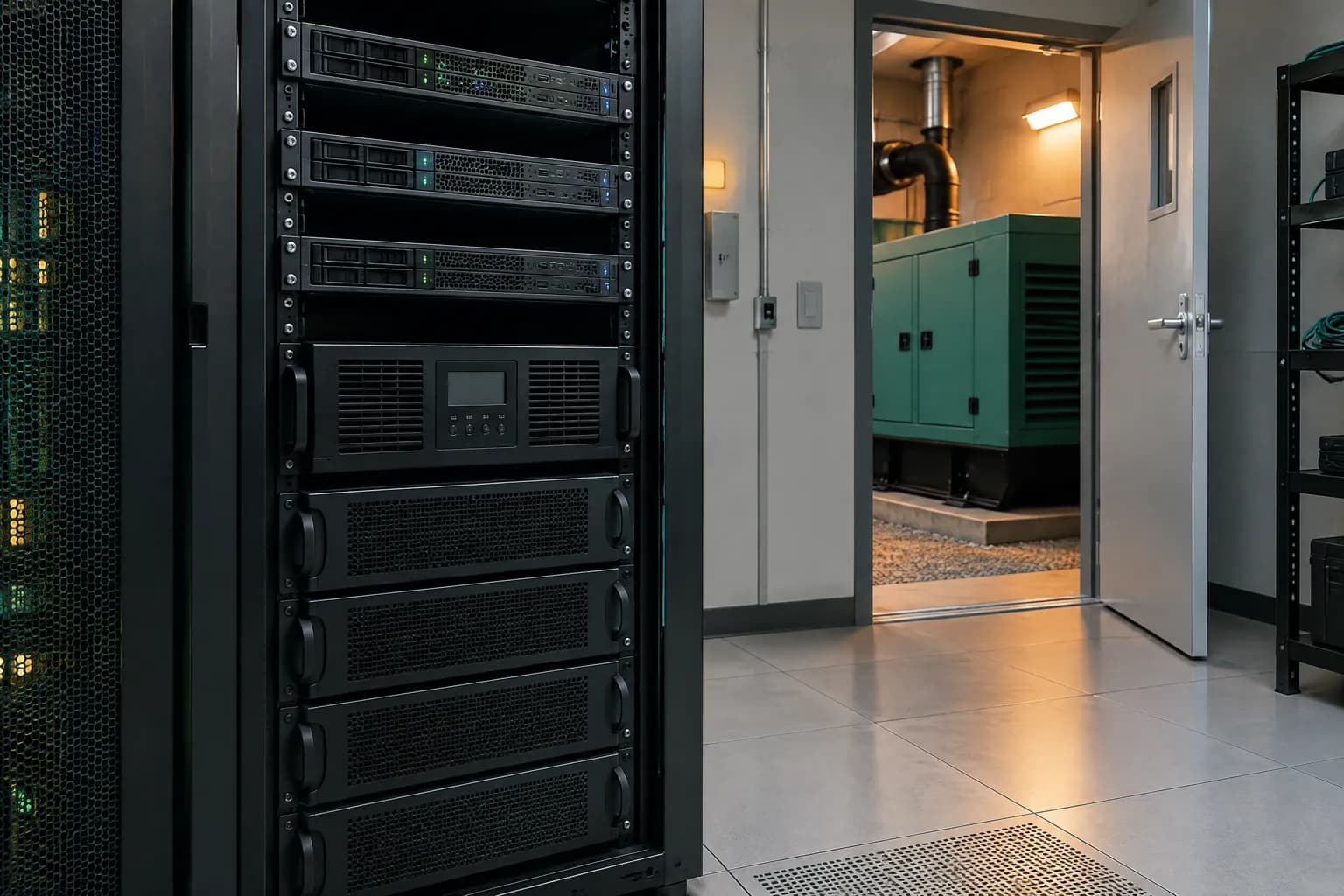
To size a UPS, total the real power draw of everything it protects in watts, add headroom for growth and battery ageing, pick a unit whose watt rating covers that total, then choose battery capacity for the runtime you actually need; on weak grids or generator power, use online double-conversion units for network cabinets and critical desks.
Across much of Africa a UPS is part of the everyday power supply rather than a rarely used safeguard. It carries the load until the generator starts, irons out voltage swings and surges, and keeps routers, switches and key desktops running through changeovers between grid, generator and solar. Size and topology decide whether it does that job or trips when it is needed most.
VA or watts: which number matters?
UPS units carry two ratings, volt-amperes (VA) and watts (W), and the ratio between them is the power factor. Current online units are usually rated at a power factor of 0.9 or 1.0, so a 3,000 VA model delivers 2,700 or 3,000 W, while older or budget line-interactive units can be far lower. Equipment consumes watts, so the watt rating is the one that has to cover the load.
Step 1: Measure or estimate the real load
The figure on a power supply label is its maximum, not what the equipment normally draws. An office desktop with a 260 W supply may use well under 100 W in ordinary work, and a monitor far less. Measure where you can, with a plug-in power meter, a metered power strip or a clamp meter, and use the maker's power figures for each configuration where you cannot.
Step 2: Add headroom
A UPS that runs near its limit has no margin for new equipment, start-up surges or ageing batteries. A widely used rule of thumb keeps the normal load at or below about 75 to 80 per cent of the watt rating, which leaves space for another switch or desk next year and keeps runtime sensible as the batteries wear.
Step 3: Decide what the runtime is for
- Ride-through: enough battery to cover generator start-up and stabilisation, typically a few minutes plus a safety margin.
- Clean shutdown: enough time for desktops and network equipment to save work and shut down in order when power will not come back.
- Extended runtime: hours rather than minutes, from external battery modules or, often more economically, an inverter and battery bank feeding the UPS.
Runtime shrinks faster than the load grows, so read the maker's runtime chart at your measured load, not at the nameplate rating.
Step 4: Choose the topology
| Topology | How it works | Copes well with | Best suited to |
|---|---|---|---|
| Standby (offline) | Passes mains straight through and switches to battery when it fails | Brief, clean outages | Single desktops on a steady grid |
| Line-interactive | Corrects voltage with a transformer; battery on failure | Moderate sags and swells | Desktops and small cabinets on fairly stable grids |
| Online double-conversion | Converts all incoming power to DC and back again, all the time | Brownouts, surges, frequency drift, generator power | Network cabinets, workstations, unstable or generator supplies |
Running a UPS on generator power
Generator output drifts in frequency and voltage, particularly as the load changes. A line-interactive UPS can read that drift as a fault and fall back to battery again and again until the battery is flat. An online unit with a wide input frequency window accepts generator power and delivers steady output. Give the generator generous headroom over the UPS rating; generator suppliers commonly suggest one and a half to two times the UPS capacity, depending on the UPS design, and both suppliers should confirm the pairing.
Desk-level or central UPS?
Offices choose between a small UPS at each desk and a larger unit feeding a group of desks or the network cabinet. Desk units are simple and quick to replace, but they multiply the number of batteries to look after. A central online unit gives cleaner power and one battery set to manage, but needs dedicated wiring or power strips to reach each desk. Many sites protect the network cabinet and a few critical desks centrally, and give reception or remote desks their own line-interactive units.
Batteries, heat and replacement
Batteries set the real running cost of a UPS. Sealed lead-acid batteries are typically designed for a few years of service at 25 °C, and battery makers commonly say that life roughly halves for every 8 to 10 °C above that. In a hot room without cooling, replacement can fall due much sooner than the label suggests. Lithium-ion UPS batteries last longer and cope better with heat, for a higher initial outlay. Stored batteries also lose charge, so ask for the manufacture date when you buy.
A worked example
| Equipment | Measured draw |
|---|---|
| Router and firewall | 40 W |
| 24-port PoE switch powering Wi-Fi access points | 150 W |
| CCTV recorder | 40 W |
| Reception desktop and monitor | 90 W |
| Modem and phone base station | 15 W |
| Total | 335 W |
Keeping the load near 75 per cent of capacity calls for a UPS rated for at least 450 W. A 1,000 VA online unit rated at 900 W covers it comfortably, leaves room for a second switch, and accepts an external battery module if the generator starts more slowly than planned.
Monitoring and automated shutdown
A UPS protects equipment best when it can report what is happening. A network management card or USB link lets it send its status to monitoring software and shut down connected machines in order when the battery runs low and mains has not returned. Test that sequence after installation, and set alerts for battery faults so a weak battery is replaced before an outage finds it.
Other details to specify
- Tower or rack form factor, and the space available
- Input: plug type or hardwired, plus the site's voltage and phase
- Outputs: IEC C13 and C19 sockets for cabinets, or local sockets for desks
- Network management card for monitoring and shutdown
- Maintenance bypass on larger units, so batteries can be changed without downtime
- External battery modules for longer runtime
Related pages
- UPS and power protection- Online and line-interactive UPS, PDUs and AVRs
- IT hardware for Nigeria- Generator-ready power planning
- IT hardware for South Africa- Runtime planning for outages
- SME office IT- Power protection for small offices
- Power and UPS overview on fctrading.co- Category overview on the FC Trading site
Related reading

Leave a Comment
Your email address will not be published.